Data Import
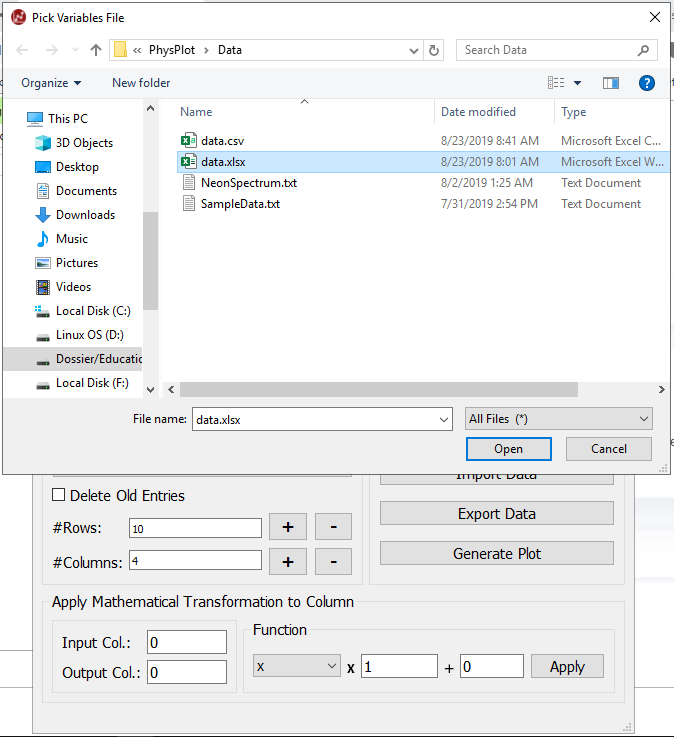
Supported formats
.txt.csv.xlsx
Import steps
Click Import Data.
Select a supported file.
PhysPlot loads values into the table and creates top-row dropdowns.
Column assignment
Use the dropdown at row 0 for each column and choose one of:
Ignore
X-axis
Xerr
Y-axis
Yerr