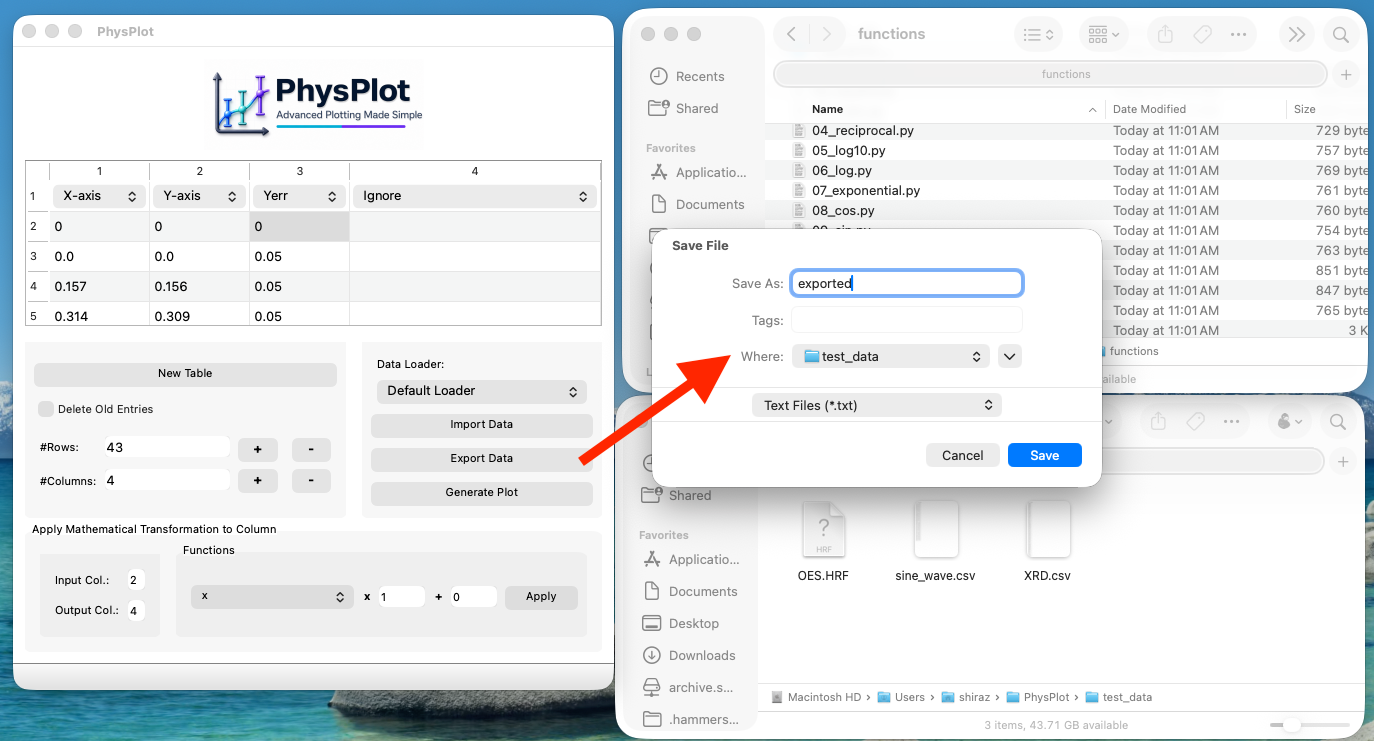
Data Export
For a full step-by-step flow, see GUI Walkthrough — Exporting Processed Data.
Export behavior
Click Export Data to save the current table output.
Output format: text file (tab-delimited)
Numeric formatting: rounded and written to 3 decimal places
Workflow
Click Export Data.
Choose destination path and filename.
Confirm save.